
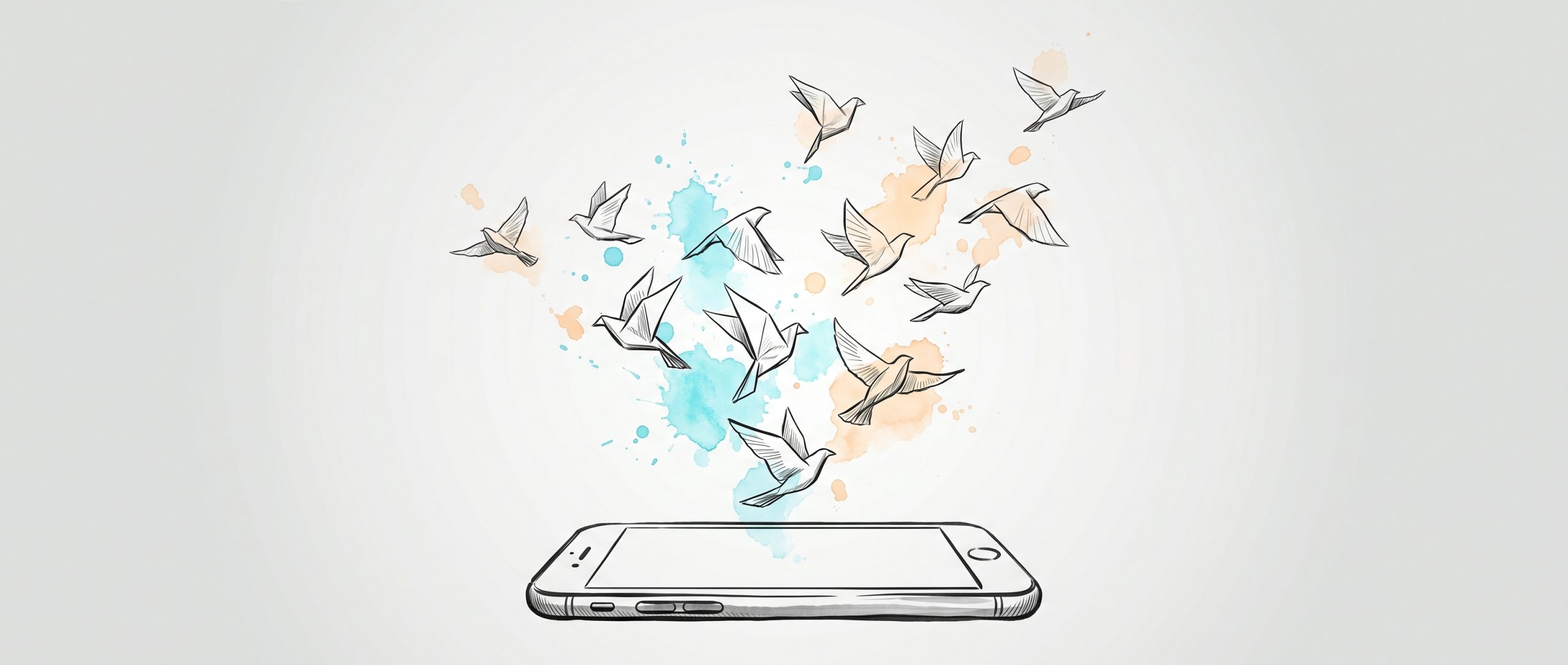
If you want to reduce your screen time, the most reliable move isn’t more willpower — it’s changing your environment so the easy choice becomes the better one. Put your phone out of reach, turn off the alerts that pull you back, and have something ready to do instead. The science backs this up: when people cut their screen time, their mood, sleep, and stress measurably improve. Below is a practical, evidence-based guide to doing it without going cold turkey.
Why reducing screen time is worth it
It’s easy to feel vaguely guilty about screen time without knowing whether cutting back actually changes anything. It does — and we now have causal evidence, not just correlation.
In a 2025 randomized controlled trial published in BMC Medicine, researchers asked one group of university students to limit their smartphone use to two hours a day for three weeks, while a control group changed nothing. The students who cut back (from a baseline of roughly 4.5 hours a day) showed measurable improvements in well-being, stress, sleep quality, and depressive symptoms. The effects were small to medium — real and consistent, not life-transforming overnight — and, tellingly, when the three weeks ended their screen time crept back up and the benefits started to fade with it (Pieh et al., BMC Medicine, 2025).
That last detail matters more than the gains themselves. It tells you the goal isn’t a heroic one-off detox — it’s a sustainable change you can hold. So the rest of this guide is built around systems that keep working after the novelty wears off.
How to reduce screen time: the short version
If you only do a few things, do these. Each one is expanded below.
- Make screens harder to reach, not just harder to want. Charge your phone in another room overnight; keep it off the table at meals.
- Turn off the alerts that aren’t urgent. Notifications are the engine of mindless checking — silence the non-essential ones.
- Use the limits already on your phone. Apple Screen Time and Android Digital Wellbeing are free and built in.
- Have an offline alternative ready. Boredom is the trigger; a book, a walk, or a short task within arm’s reach beats the reflex to scroll.
- Track “phone-free hours,” not just total time. A metric you want to grow is more motivating than one you’re trying to shrink.
Design your environment instead of relying on willpower
The single most useful reframe is this: reaching for your phone is usually not a decision, it’s a reflex. Apps are deliberately designed to be easy, rewarding, and always available, so the urge fires before any conscious choice does. Trying to out-discipline a well-engineered habit loop is exhausting and tends to fail. Changing what’s easy works far better than trying harder.
Start with physical distance. There’s good evidence that a phone doesn’t even have to be in use to cost you attention — its mere presence can. In a well-known set of experiments, participants did better on tests of working memory and reasoning when their phone was in another room than when it sat silently on the desk, even though they weren’t using it and didn’t feel distracted by it (Ward et al., Journal of the Association for Consumer Research, 2017). It’s worth being honest here: a later replication didn’t reproduce the effect cleanly, so treat “out of sight, out of mind” as a sensible, low-cost habit rather than a guaranteed brain boost. Either way, a phone you have to get up to reach is one you reach for less.
A few concrete ways to build distance in:
- Create one or two screen-free zones. The bedroom and the dining table are the highest-value ones. A central charging station in the kitchen or hallway keeps phones out of both.
- Swap the phone alarm for a real clock. If your phone isn’t your alarm, it has no reason to be on the nightstand — which removes the wake-and-scroll trap before it starts.
- Add friction to the apps you overuse. Move them off your home screen and into a folder. The few extra taps are often enough to break the autopilot.
Protect your sleep by keeping screens out of the bedroom
If you only pick one screen-free zone, make it the bedroom — because the evening is when screens do the most damage to something that’s hard to recover: your sleep.
Light in the evening, and blue light in particular, suppresses melatonin and nudges your internal clock later. In research summarized by Harvard Health, blue light suppressed melatonin for about twice as long as green light of comparable brightness and shifted circadian rhythms roughly twice as much (about 3 hours versus 1.5). The practical takeaway from that work is simple: avoid bright screens in the two to three hours before bed.
“Night mode” and blue-light filters help a little, but they don’t address the bigger problem — that an engaging screen keeps your mind active and pushes bedtime later regardless of its colour temperature. Keeping the phone in another room is the cleaner fix. It also protects your morning: the hour after waking sets the tone for the day, and starting it with a feed rarely sets a good one.
Turn off the notifications that pull you back in
Notifications are the ignition switch of mindless checking. Each buzz or badge is a small cue engineered to pull you back, and most of them are not urgent. Cutting them is one of the fastest, highest-leverage changes you can make.
Run a quick audit. For each app that notifies you, ask: does this genuinely need my attention the moment it happens? A message from a person often does. A social-media like, a news alert, a marketing email almost never does.
- Silence the non-essential. Turn off sounds, banners, vibrations, and badge counts for anything that isn’t time-sensitive. This shifts you from reacting to every ping toward checking apps on your own schedule.
- Batch your checking. Instead of responding all day, set two or three times to clear messages and email. Constant interruption fractures attention; a steady habit of returning your focus to one thing is a skill worth building (it’s the same muscle behind mindfulness at work).
- Use Focus or Do Not Disturb modes. Schedule them for work blocks and the evening, letting only the people who truly matter break through.
- Try grayscale. Switching your screen to black-and-white drains the colour that makes apps and red badges feel urgent. Many people find their phone simply less magnetic in grayscale.
Beat boredom with something ready to do
A lot of screen use isn’t really about the screen — it’s about filling a gap. Boredom, restlessness, or an awkward in-between moment shows up, and the phone is the nearest exit. The fix isn’t to white-knuckle through the boredom; it’s to have a better option already within reach. If you have to stop and think about what else to do, you’ll default to scrolling.
Keep replacements close and matched to what you actually need in the moment:
| What you’re feeling | Try instead |
|---|---|
| Bored, understimulated | A book on the nightstand, a few pages, a puzzle, a quick sketch |
| Stressed or wound up | A short walk, or slow breathing (in for 4, hold 4, out for 4, hold 4) |
| A dead moment between tasks | A podcast, a glass of water, a two-minute tidy |
| Lonely or seeking connection | Message a friend to meet, not to scroll past them |
The aim isn’t to make your life screen-free — it’s to make the offline option genuinely appealing, so reaching for the phone stops being the automatic answer. Hobbies that occupy your hands (cooking, gardening, an instrument, a craft) are especially good, because they’re hard to do with a phone in the other hand.
You can also schedule the breaks deliberately. A “phone-free first hour” each morning is an easy place to start; a screen-light weekend day is a bigger one. Plan something into that time — a hike, a recipe, a friend — so the space doesn’t quietly fill back up with scrolling.
Use the tools already built into your phone
You don’t need to buy anything. Both major phone platforms ship with free, capable tools for seeing and shaping your usage:
- Apple Screen Time (iPhone/iPad) and Android Digital Wellbeing show where your time goes and let you set per-app daily limits and downtime windows.
- App limits work best on the two or three apps that actually eat your day — usually a social app and a video or news app. Capping those is more effective than a blanket limit on everything.
- Make the limit stick. A limit you can dismiss in one tap is easy to ignore. Having someone you trust set the passcode adds just enough friction to make it real.
Third-party blockers (such as Freedom, Forest, or Cold Turkey) go further if the built-in tools aren’t enough, especially for blocking across your phone and computer at once. But start with what’s already on your phone — for most people, that plus a couple of environment changes is enough.
Track progress without getting discouraged
One reason screen-time goals fizzle is that progress feels invisible. Unlike a fitness goal, there’s no obvious before-and-after — so it’s easy to lose steam without proof anything’s changing.
Two shifts help. First, track “phone-free hours” rather than total screen time. A number you’re trying to grow is more motivating than one you’re trying to shrink, and it reframes the whole effort around what you’re gaining — time, attention, presence — instead of what you’re giving up. Aim for a few protected phone-free hours a day: the first hour awake, mealtimes, and the hour before bed are natural anchors.
Second, watch quality, not just quantity. Two hours of a meaningful video call is not the same as two hours of doomscrolling. Sort your usage roughly into active and useful (work, learning, real connection) versus passive consumption (endless feeds), and aim your cuts at the passive bucket. That’s usually where the easy wins are, and it spares you from cutting the screen time that genuinely adds something to your life.
Reviewing weekly rather than daily also keeps you sane — daily numbers bounce around, but the weekly trend tells you whether the system is working.
When the people around you aren’t on board
Cutting back gets harder when your household or friends don’t share the goal — when phones are out at dinner or instant replies are expected. You can’t impose new norms, but you can propose shared ones.
Pick a small, concrete agreement rather than a sweeping rule: no phones at the dinner table, or a shared charging station that everyone’s phone visits at night. Shared rules work because the temptation is removed for the whole group at once, not left to each person’s willpower. With kids, the most powerful lever is consistency — a “no screens at dinner” rule loses all its force the moment a parent answers email at the table. Lead by example, keep the agreement small enough that everyone can actually keep it, and allow the occasional exception (a long travel day, a sick day) so the rule stays livable rather than brittle.
How coaching can help you stay consistent
Most of what’s above is about design — arranging your environment so the better choice is the easier one. But there’s a second layer the apps and timers don’t touch: understanding why you reach for the phone in the first place. For many people the screen is a way to soften a feeling — boredom, stress, loneliness, the discomfort of an unstructured moment. A timer can block the app; it can’t address the feeling underneath.
That’s where a coaching conversation can help. Talking it through can surface the specific triggers behind your scrolling and help you build a kinder, more deliberate plan — the kind of work that draws on approaches like CBT and ACT, which focus on noticing automatic patterns and choosing a different response. aidx.ai is an AI coaching and therapy service built for exactly this kind of reflection: it’s available whenever the urge hits, including the late-night moments when willpower is lowest, and it works alongside the practical steps here rather than replacing them. It isn’t a clinician, and it isn’t a substitute for professional care — but as a way to think out loud about your habits and stay accountable to the change you want, it can be a steadying presence.
The takeaway
Reducing screen time isn’t about quitting cold turkey or relying on willpower you don’t have. It’s about building a few simple systems: put the phone out of reach, silence the alerts that pull you back, keep something better within arm’s reach, and measure the hours you reclaim instead of the ones you’re trying to cut. The research is encouraging — even modest, sustained reductions improve mood, sleep, and stress — and the changes that last are small ones you barely have to think about. Start with one screen-free zone and one silenced notification. That’s enough to begin.
Frequently asked questions
How much should I reduce my screen time?
There’s no universal target, but the research that found mental-health benefits had people aim for around two hours of phone use a day for three weeks. Rather than fixating on a number, start by checking your current usage in Apple Screen Time or Android Digital Wellbeing, then set a modest reduction — cutting back 30 minutes to an hour a day is a realistic, sustainable first step.
How do I cut screen time without missing important messages?
Keep notifications on for the handful of people and apps that are genuinely time-sensitive, and silence everything else. Set two or three times a day to clear messages and email so you stay reachable without being interrupted constantly. Physical distance helps too — leaving your phone in another room while you focus, with urgent contacts allowed through Focus mode, lets you stay connected without scrolling.
Does night mode actually help with sleep?
A little, but less than you might hope. Reducing blue light helps somewhat, but the bigger problem is that an engaging screen keeps your mind active and pushes bedtime later regardless of colour temperature. Keeping the phone out of the bedroom entirely is far more effective than relying on night mode alone.
This article is for general information and isn’t a substitute for professional advice. If your relationship with screens feels compulsive or is seriously affecting your sleep, mood, work, or relationships, consider speaking with a doctor or qualified mental-health professional.
Last reviewed: June 2026